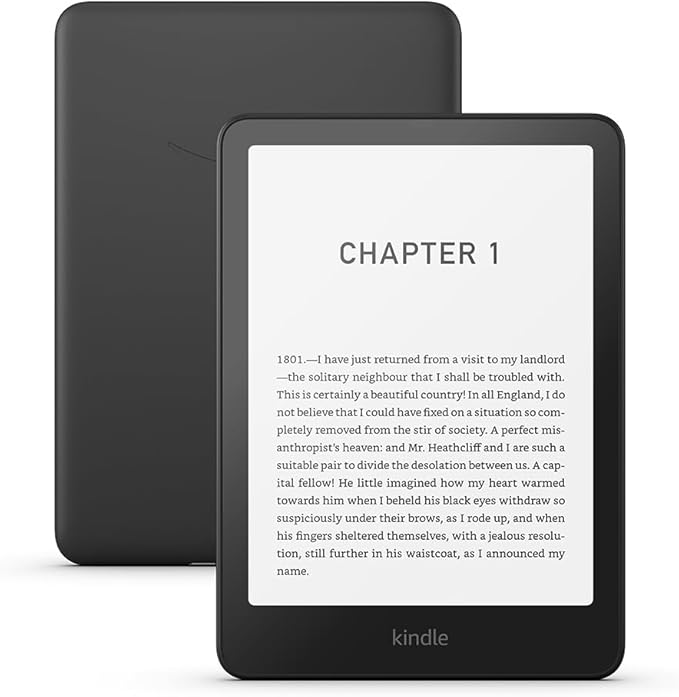
Sometimes you desperately need to change your Kindle name. Amazon automatically gives a name to each Kindle, Echo, Fire Tablet or other device in your account but it can be annoying to know which is which.
1 – Where to find your Kindle on Amazon.com
Go to “Manage your Content and Devices” on Amazon.com. Click on Devices, and it will give you a list of all the devices associated with your account.
2 – How to change an Amazon device name
Click the (…) or Actions button next to the device. There should be an ‘edit’ option beside the device’s name. Type in the new name and click save. It may ask you for your password for verification.
3 – How to change device name from Kindle
If that seems like hard work, you can do it from the Kindle itself. Go to settings -> Your account -> Device Name, and enter the new Kindle name.
4 – What to call my Kindle
You might be here because “Sam’s 3rd Kindle” was a terrible name. You could use “Sam’s Red Kindle 2025” instead. But why not a favourite character or some inspiring words for the day. A good Kindle name is something memorable.
5 – How to delete old Amazon devices.
Now would be a good time to delete any old devices to prevent anyone else using your account or accessing your data.
Leave a Reply