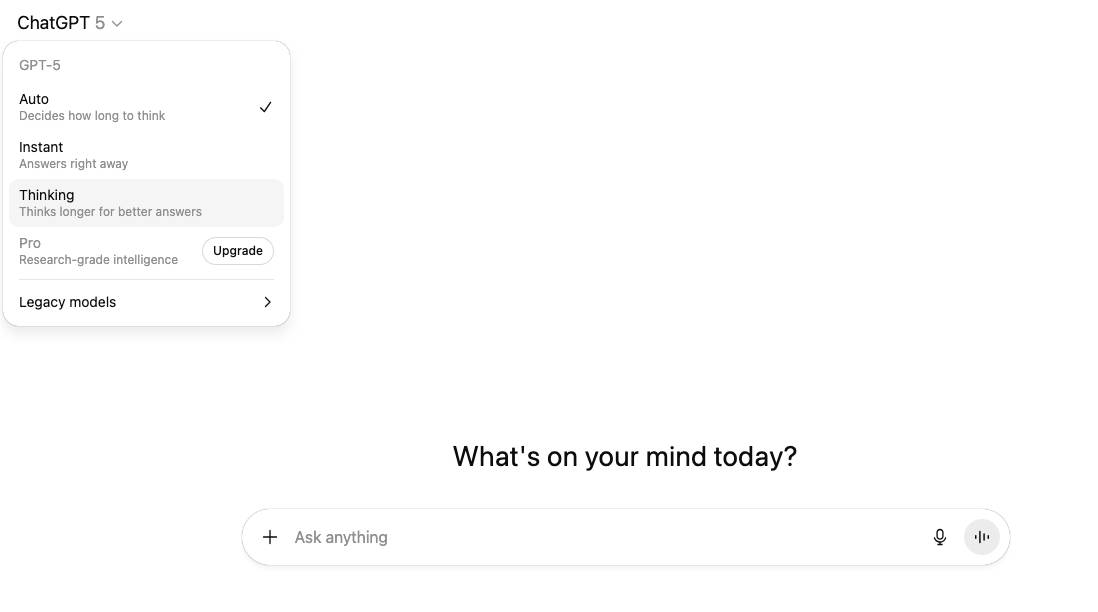
If you’ve noticed ChatGPT nodding along to everything you say, you’re not imagining it. The model is designed to be polite and helpful—but that can sometimes make it feel like a yes-man sycophant. The good news: with the right prompts and settings, you can get ChatGPT to be more critical, more balanced, and even challenge you by default. Here’s how.
1. Why does ChatGPT always agree with me?
ChatGPT often feels too agreeable because of two main factors:
- It’s designed to be polite and helpful. By default, the model avoids confrontation and tries to support your goals rather than contradict them. This makes it feel friendly—but not always useful when you want critique.
- It reflects its training data and user preferences. Most users prefer cooperative answers, so the model has learned to favor agreement over argument unless told otherwise.
2. How can I get ChatGPT to be more critical of my ideas?
If you want sharper feedback, you need to ask directly. Try prompts like:
- “Play devil’s advocate and argue against my idea.”
- “List three flaws in my reasoning.”
- “What would a critic say about this?”
Go deeper by asking ChatGPT to:
- Identify hidden assumptions you may not have noticed.
- Challenge your reasoning by walking through your logic step by step.
- Look for flaws in how you arrived at your conclusion, not just in the conclusion itself.
3. How do I make ChatGPT give honest, blunt feedback?
You can nudge ChatGPT into dropping the politeness by setting the tone:
- Use cues like: “Be direct,” “Review this like a critic,” or “Be candid.”
- Ask for feedback as if it came from a reviewer, editor, or debate opponent.
- Don’t worry—ChatGPT won’t be rude. It’s still safe and constructive, just more straightforward.
This works well when you want less flattery and more actionable feedback.
4. How do I make ChatGPT be more balanced?
Instead of one-sided answers, you can push ChatGPT to weigh alternatives:
- Ask it to explore multiple options and then rank them from strongest to weakest.
- Use the “5 Whys” technique: ask why five times in a row to drill down into causes and reasoning, then have ChatGPT reframe or rework the idea based on that deeper analysis.
This gives you a more nuanced, balanced view instead of an echo of your own thinking.
5. How do I make ChatGPT always challenge me using custom instructions?
If you want ChatGPT to push back by default, set up Custom Instructions:
- Open ChatGPT settings → Custom Instructions.
- In the “How would you like ChatGPT to respond?” field, add something like:
- “Always play devil’s advocate with my ideas.”
- “Whenever I share reasoning, identify hidden assumptions and flaws.”
- “Challenge my conclusions, even if you agree with me.”
This way, you don’t have to keep prompting it—the model will always push you to think harder.
How to make ChatGPT less agreeable and more useful
ChatGPT defaults to politeness, but that doesn’t mean you’re stuck with yes-man answers. By:
- Asking for critique,
- Setting a direct tone,
- Exploring alternatives, and
- Using Custom Instructions,
you can turn ChatGPT into a reliable sparring partner that challenges your ideas, improves your reasoning, and gives you more honest feedback, instead of acting like a digital sycophant.
Leave a Reply